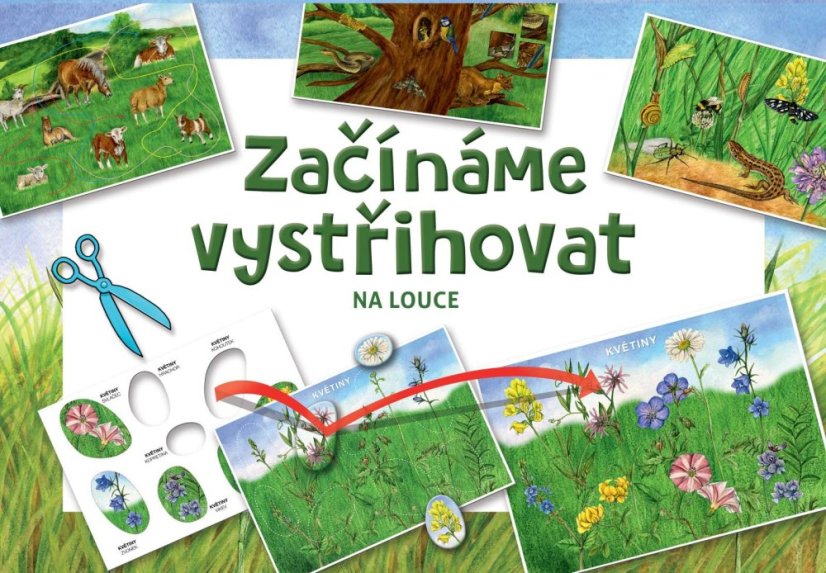
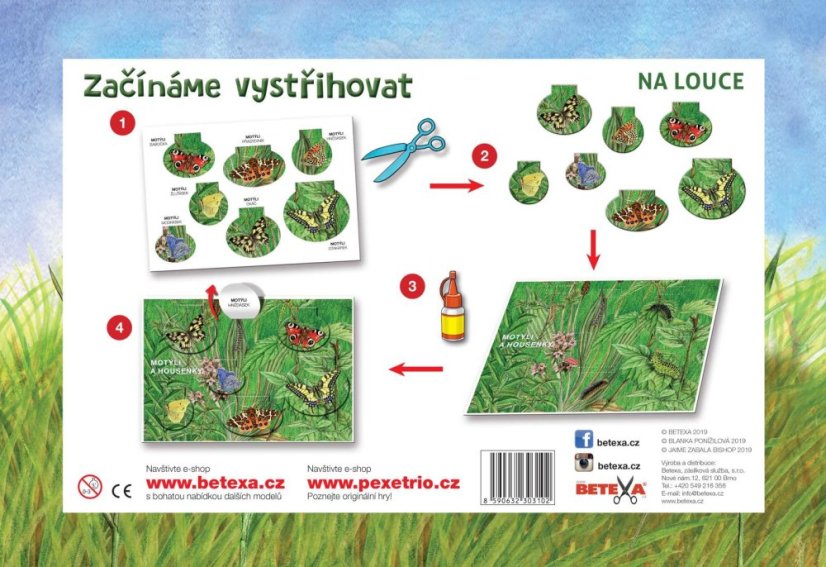
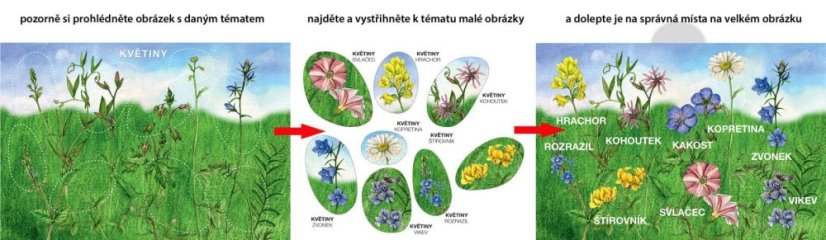
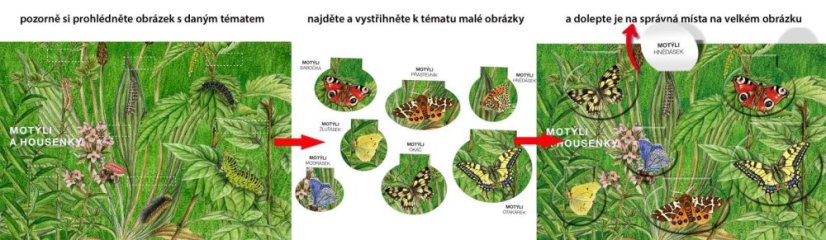
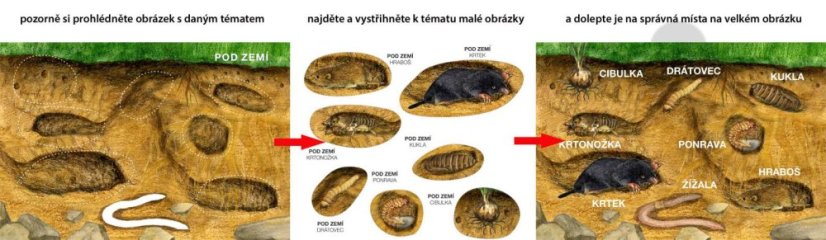
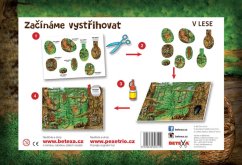
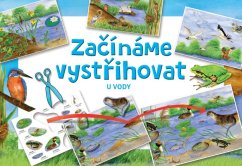
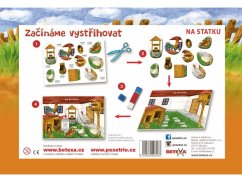
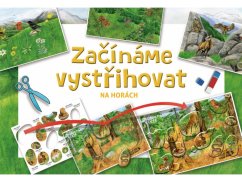
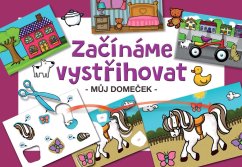
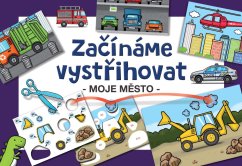
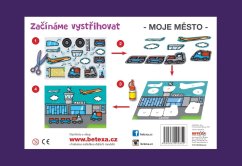
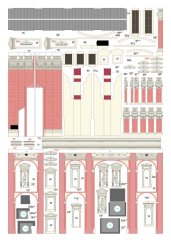
The children first cut out the individual pieces of the puzzle and then glue them to the printed originals of different environments. They are based on the color template that is part of the workbook and the names of plants and animals, which are printed on the back of each piece of the puzzle. By gluing, new images are created with many interesting details. When only part of the image (bending flap) is glued, a two-stage developmental sequence of detail is created: for example, a caterpillar and a butterfly hatched from it.
Additional tasks:
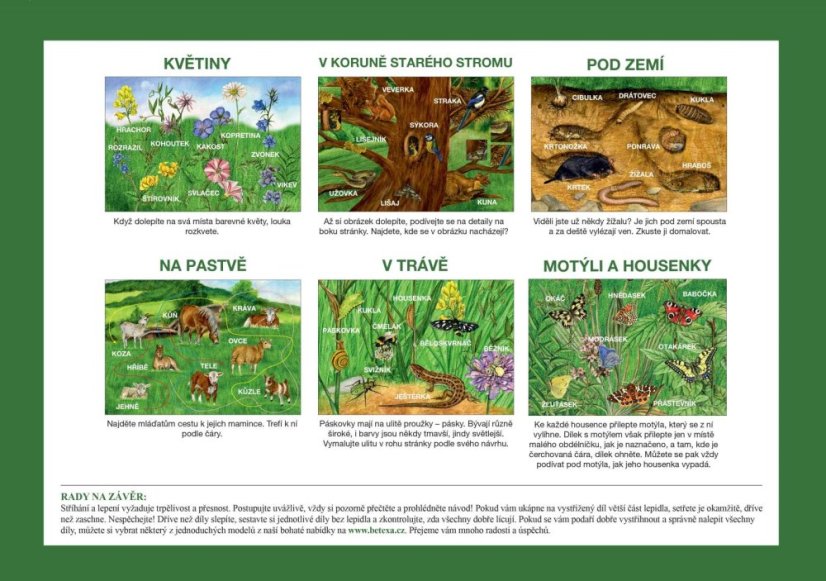
Flowers
When you stick colorful flowers in their places, the meadow will bloom.
In the crown of an old tree
When you paste the image, look at the details on the side of the page. Can you find where they are in the picture?
Underground
Have you ever seen an earthworm? There are a lot of them underground and they climb out in the rain. Try painting it.
On the pasture
Find the cubs the way to their mother. He hits her along the line.
In the grass
The tapes have strips on the shell - tapes. They are variously wide, and the colors are sometimes darker, sometimes lighter. Paint the shell in the corner of the page according to your design.
Butterflies and caterpillars
Stick a butterfly that will hatch from each caterpillar. However, stick the butterfly piece only in the place of the small rectangle, as indicated, and bend the piece where there is a dashed line. You can then always look under the butterfly, what its caterpillar looks like.
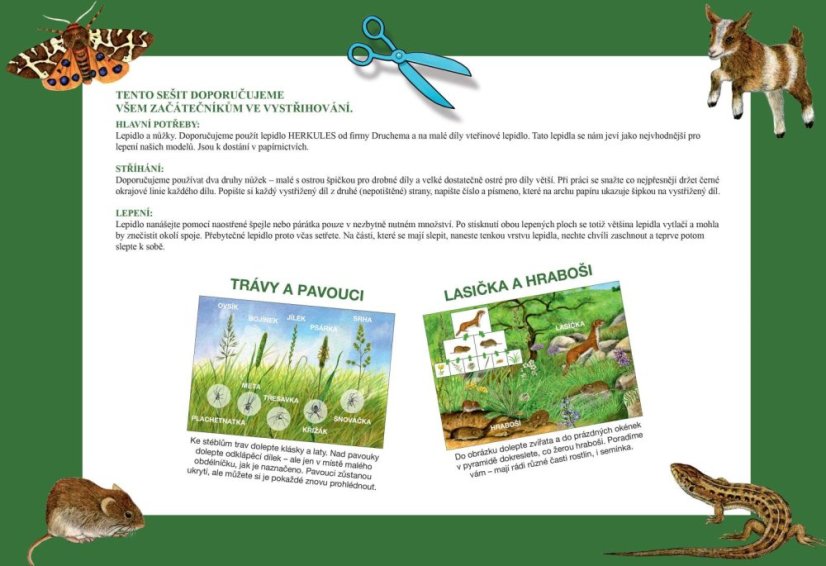
Grasses and spiders
Glue spikelets and battens to the grass stalks. Glue the folding piece over the spiders - but only in the place of a small rectangle, as indicated. The spiders remain hidden, but you can revisit them each time.
Weasel and voles
Stick the animals in the picture and add what the voles eat in the empty windows in the pyramid. We will advise you - they like different parts of plants, even seeds.
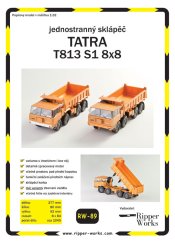
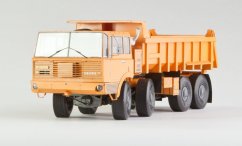
You can find all the parameters for the model on the side tab. We provide maximum information for each model so that you can make the right decision about your purchase.